
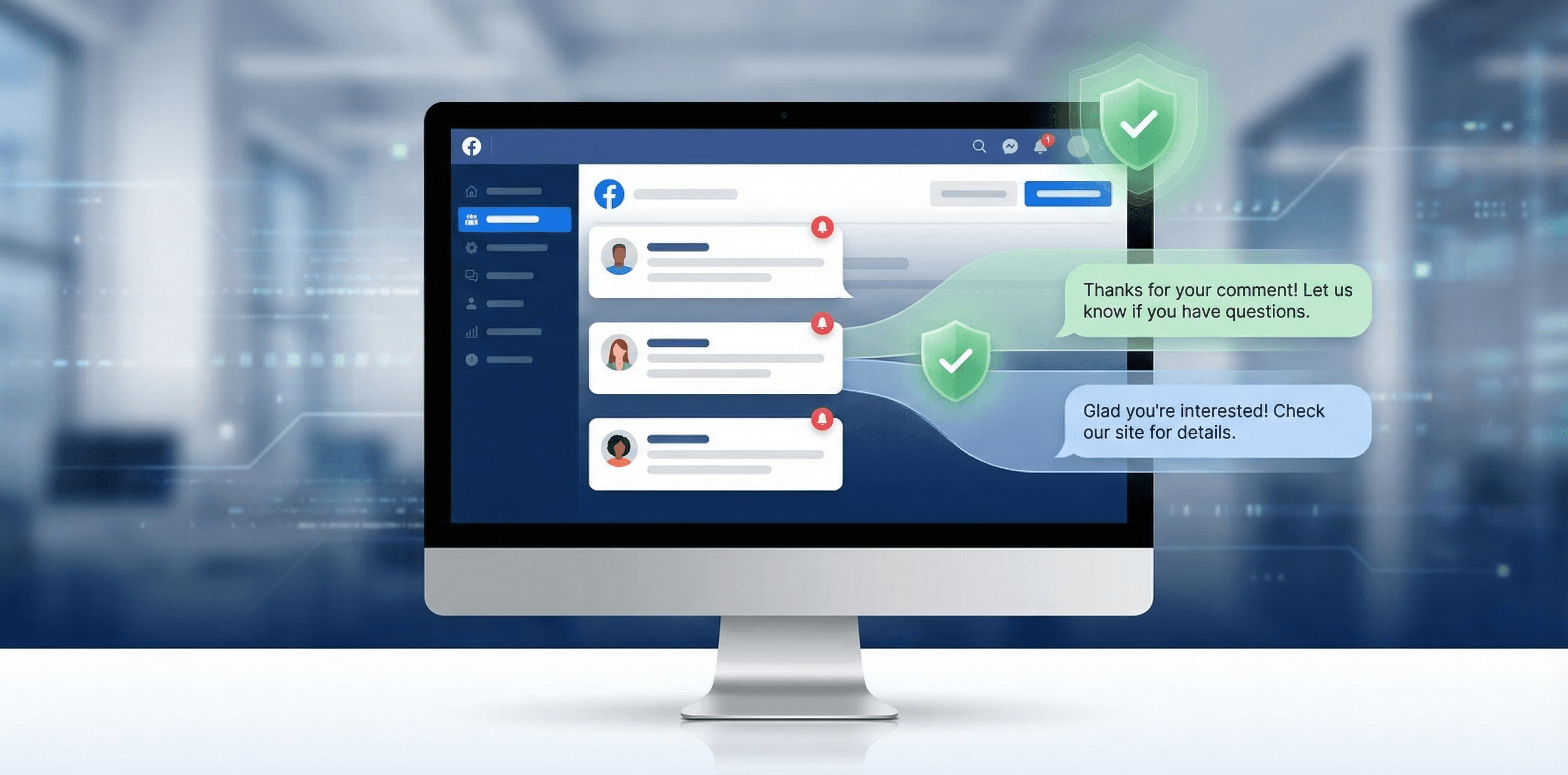
You can auto-reply to Facebook ad comments using native tools, keyword bots, or AI. But do it wrong and Facebook will throttle your page or block your commenting ability. This guide covers all three methods and the specific behaviors that trigger spam detection.
You're spending $200/day on Facebook ads. Comments start rolling in. "Price?" "Do you ship to Canada?" "Is this legit?" "Link?"
Each one is a potential customer. Each one that goes unanswered is a potential customer who bought from someone else.
The obvious fix: auto-reply to every comment. The problem: Facebook is watching. Send the same response to 50 comments in an hour and your page gets a temporary commenting block. Do it repeatedly and you risk ad account restrictions.
This guide covers three ways to auto-reply to Facebook ad comments, ranked by sophistication. More importantly, it covers the specific behaviors that trigger Facebook's spam filters so you can automate at scale without burning your account.
What "Getting Flagged" Actually Means
Facebook doesn't publish its exact spam thresholds. But the patterns are clear once you've managed enough ad accounts. There are three levels of enforcement:
Comment throttling. Facebook silently slows down your ability to post comments. No error message. Your replies just take longer to appear, or some don't appear at all.
Temporary comment block. A 24-72 hour ban on posting comments from your page. This usually happens after a burst of identical comments or when multiple users report your replies as spam.
Page-level restrictions. Repeated violations can trigger broader restrictions on your page, including reduced ad delivery. Rare, but devastating when it happens.
The four behaviors that trigger these:
- Identical text across multiple comments. Facebook's duplicate detection is aggressive. Copy-paste the same "Thanks for your interest! Check out our website at..." to 20 comments and you'll hit a wall within the hour.
- Unnatural posting speed. Replying to 30 comments in 2 minutes doesn't look human. Because it isn't.
- High link density. Dropping a URL in every single reply raises spam signals, especially with shortened URLs.
- User reports. If people mark your auto-replies as spam (because they feel robotic or irrelevant), Facebook accelerates enforcement.
Now you know what to avoid. Here are your options.
Method 1: Facebook's Built-In Auto-Reply
Facebook offers a basic comment-to-message automation inside Meta Business Suite.
How it works: You define a set of trigger keywords. When someone's comment contains any of those keywords, Facebook can auto-reply with a public comment, a private Messenger message, or both.
To set it up:
- Go to Meta Business Suite > Automations
- Create a new automation with the "Comment" trigger
- Add your keywords (e.g., "price," "cost," "how much," "shipping")
- Write your reply template
- Choose: public reply, private message, or both
What works well:
- Free
- Native to Facebook, so low risk of triggering spam detection
- Simple setup (under 5 minutes)
Where it breaks down:
- Limited keyword triggers. Real ad comments use hundreds of different phrasings. "How much," "what does it cost," "pricing?" and "$$?" all mean the same thing, but you need a separate keyword for each.
- One reply template per trigger set. Every matching comment gets the exact same response.
- No context awareness. Someone asking "What's the price for the blue one in size L?" gets the same reply as someone who just types "Price?"
- No filtering. Spam, troll comments, and genuine questions all get the same treatment.
Best for: A single campaign with a simple product and predictable comments. Falls apart once you're running multiple campaigns or getting diverse questions.
Method 2: Keyword Bots (ManyChat, Chatimize, etc.)
Keyword-based tools like ManyChat add more flexibility on top of Facebook's native triggers.
How they work: You define keyword rules with more options than Facebook's built-in limit, write multiple reply variants, and the bot rotates through them. Most also support comment-to-DM flows where the public reply prompts the user to check their inbox.
What works well:
- More keyword flexibility than native tools
- Reply rotation reduces the duplicate text problem
- DM flows let you move conversations off-thread (useful for collecting emails or sending links privately)
- Established tools with large user bases and good documentation
Where it breaks down:
- Still keyword-dependent. If someone phrases their question in a way your keyword list doesn't anticipate, they get no reply or the wrong one.
- Reply variants are pre-written. You need to anticipate every scenario and write templates for each. With 5 products across 3 campaigns, that's a lot of templates.
- No understanding of context. The bot doesn't read your post, your image, or your landing page. It just pattern-matches keywords.
- Scaling means more rules. Every new campaign or product needs a new set of keywords and replies to maintain.
The flagging risk: Lower than manual copy-paste because of reply rotation, but still present. If your 5 reply variants rotate across 200 comments, Facebook eventually sees the pattern. And keyword mismatches that produce irrelevant replies get reported as spam by users.
Best for: Comment-to-DM funnels where the trigger is simple ("Comment LINK to get the PDF"). Works less well for open-ended ad comments where people ask unpredictable questions.
Method 3: AI-Powered Replies
AI tools read the actual comment, understand the context (your post, your product, your brand voice), and generate a unique reply for each comment.
How they work: Instead of matching keywords, AI analyzes the comment's intent. "How much does this cost?" and "what's the pricing for the large bundle?" and "$$?" all get recognized as pricing questions without any keyword configuration. The reply is generated fresh each time, drawing from your product knowledge, FAQ answers, and brand guidelines.
What works well:
- Every reply is unique. No duplicate text for Facebook to flag.
- Context-aware. The AI reads your ad copy, post images, and linked URLs before replying.
- Handles unexpected questions. No keyword list to maintain or update.
- Scales without additional configuration. Same setup handles 10 comments or 10,000.
Where it breaks down:
- AI can get things wrong. Without proper guardrails, it might hallucinate product details or give incorrect pricing.
- Higher cost than free/keyword tools.
- Requires setup: uploading your product knowledge, setting tone preferences, defining what the AI should and shouldn't say.
The flagging risk: Lowest of the three methods, because every reply is genuinely different. The main risk shifts from "duplicate content" to "posting too fast," which is solvable with rate limiting and timing controls.
Setting Up AI Auto-Replies with ReplyZen
Walkthrough of the setup. (Other AI tools exist, but we'll use ReplyZen since that's what we build and know best.)
1. Connect your Facebook page. Link your page through the OAuth flow. If you're running high-volume ads with 100+ comments/day, connect multiple Facebook profiles to distribute the load across connections.
2. Create an agent. An agent is your AI responder's configuration. The settings that matter most for ad comments:
- Respond on: Only Ads. Tells the agent to ignore organic posts and only reply on sponsored content.
- Tone of voice. Pick from Direct, Formal, Balanced, Warm, or Lighthearted. Stays consistent across all replies.
- Response frequency: When Relevant. The agent skips emoji-only comments, simple acknowledgments ("Nice!"), and other comments that don't need a reply. This alone eliminates a big chunk of unnecessary auto-replies that would otherwise count against your rate limits.
3. Add your knowledge base. Upload your FAQs, product catalog, pricing info, and brand guidelines. The AI references this when generating replies, so it gives accurate answers instead of guessing.
You can also point it at web pages (product pages, shipping info, return policy) and it'll crawl them on a schedule to stay current.
4. Set your safety rails.
- Publishing mode: Hybrid. Replies the AI is confident about get auto-published. Replies it's unsure about get saved as drafts for your review. Once you trust the output after a few days, you can switch to fully automatic.
- Response timing: Natural. Adds human-like delays instead of replying 2 seconds after every comment.
- Connection rate limits. Start conservative: 10-15 replies per hour per connection. Scale up gradually as your account builds history.
5. Test before going live. ReplyZen has a sandbox where you can paste real comments from your ads and see what the AI would reply. Test the edge cases: angry customers, spam, competitor mentions, off-topic comments. Adjust your instructions until the output feels right.
Want to see what AI replies look like on your ads?
Paste any comment into the sandbox and see the AI response before anything goes live.
7 Rules for Auto-Replies That Don't Get Flagged
Whatever method you choose, follow these.
1. Never send identical replies
Even "Thanks for your comment! 😊" sent 40 times will trigger detection. If you're using keyword bots, write at least 10-15 variants per trigger. If you're using AI, this is handled automatically since every reply is generated fresh.
2. Add delays between replies
Replying to a batch of comments within seconds looks automated. Space your replies out. A 1-5 minute gap between comments looks natural and gives Facebook no reason to flag your activity.
3. Respect rate limits
Start with 10-15 replies per hour from a single account. Established pages with good standing can push to 30-40 per hour, but ramp up gradually over weeks. If you need more volume, add additional connected accounts and distribute the load.
4. Don't reply to everything
Not every comment needs a response. Emoji reactions, single-word comments ("Nice"), and obvious spam dilute your reply quality and increase your volume for no benefit. Be selective. Reply to questions, objections, and buying signals. Skip the rest.
5. Limit links in replies
Dropping a URL in every single reply is the fastest way to look like spam. Save links for comments where someone is clearly asking for more info or ready to buy. On Instagram, links in comments aren't clickable anyway, so don't bother there.
6. Start with human review
Don't go full-auto on day one with any tool. Review the first 50-100 replies manually. Catch tone mismatches, factual errors, or weird edge cases before they reach your audience. Most problems show up in the first few dozen replies.
7. Monitor for throttling
If Facebook starts slowing your replies, you'll notice them not appearing or appearing late. Check by viewing your ad as a different user (not your page admin account). If you see signs of throttling, pause all auto-replies for 24-48 hours and reduce your rate when you restart.
Which Method Should You Use?
| Native (Free) | Keyword Bots | AI | |
|---|---|---|---|
| Cost | Free | $15-100/mo | $49-200/mo |
| Setup time | 5 min | 30-60 min | 15-30 min |
| Reply uniqueness | One template | 5-15 variants | Every reply unique |
| Context awareness | None | None | Reads post, image, and URL |
| Maintenance | Low | High (keyword lists) | Low (knowledge base updates) |
| Flagging risk | Low | Medium | Low |
| Best for | Single campaign | Comment-to-DM funnels | Multi-campaign, diverse questions |
Spending under $20/day with fewer than 20 comments? Facebook's native tool is probably enough.
Running comment-to-DM funnels where the trigger is simple ("Comment LINK")? ManyChat is built for exactly this.
Running multiple campaigns with different products and unpredictable questions? AI tools will save you the most time and carry the lowest risk of getting flagged.
FAQ
Can Facebook ban my page for auto-replying to comments?
Facebook can temporarily block your commenting ability, typically for 24-72 hours. Full page bans for auto-replies alone are extremely rare. The bigger risk is reduced ad delivery if your page gets flagged for spam-like behavior repeatedly.
Do auto-replies work on Instagram ad comments too?
Yes, with one big caveat: Instagram doesn't support clickable links in comments. Any URL you include shows up as plain text. DM automations and AI replies both work on Instagram, but link-in-reply strategies are Facebook only.
How fast should I reply to ad comments?
Faster is generally better for conversions, but not at the cost of looking automated. A 1-5 minute response time is the sweet spot: fast enough to catch buyers while they're still interested, slow enough to look human.
Will auto-replies hurt my ad performance?
The opposite. Unanswered comments (especially negative ones) actively hurt ad performance. Facebook's algorithm factors in comment engagement. Replies that generate further conversation can improve your ad's relevance score and reduce your CPM.
Can I auto-reply and auto-hide negative comments at the same time?
Yes. Most tools let you set moderation rules separately from reply rules. You can hide toxic comments while replying to genuine questions from the same configuration.
What about Instagram Reels ads?
Same rules apply. AI and keyword tools can reply to comments on Reels ads just like feed ads. The only difference is that Reels tend to attract more casual/emoji comments, so having a "skip irrelevant comments" filter saves you a lot of wasted replies.