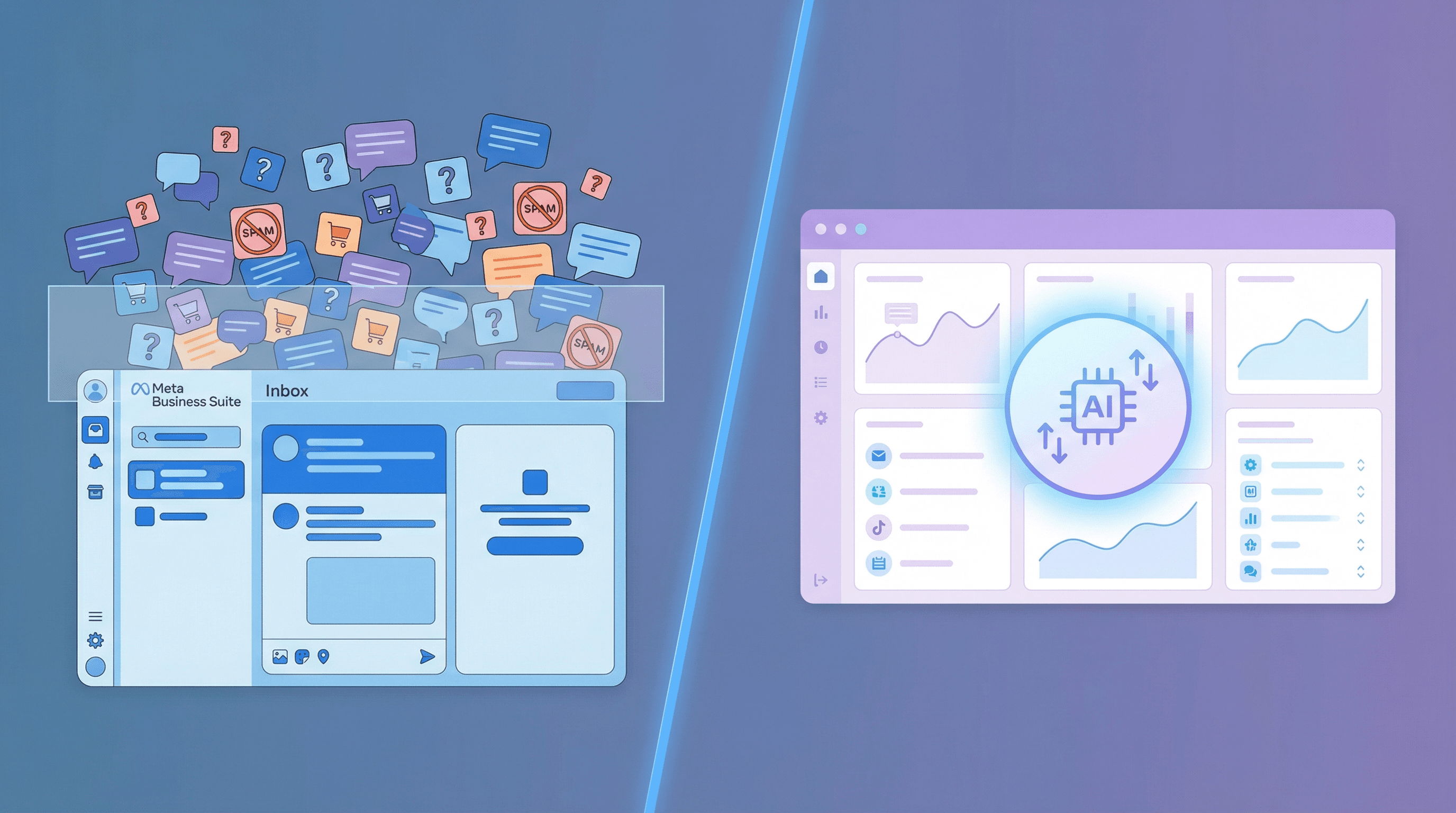
Meta Business Suite is free, fast to set up, and perfectly fine for a page doing 30 comments a day. At 300 comments a day on paid traffic, the walls start closing in: keyword-only moderation, no AI replies, no knowledge base, no draft queue. Here are the 7 real limits, and when it makes sense to switch.
Meta Business Suite is where every brand on Facebook and Instagram starts. It is free, it is built into the platforms you already use, and for the first year of paid traffic it is perfectly fine. You set up Moderation Assist, write a few Saved Replies, and the inbox handles the rest.
Then the ads start working. Comment volume climbs from 20 per day to 200. A single ad campaign spawns 500 replies in a weekend. Suddenly the same tool that felt like enough for a small page starts feeling like a crime scene.
This is not a takedown of Meta Business Suite. It is a field guide to the exact limits brands hit when paid traffic scales, so you can recognize them before they cost you conversions.
Already hitting these walls?
ReplyZen is built for the exact moment Meta Business Suite stops scaling. AI replies with a knowledge base per page, natural-language moderation, confidence-scored publishing, and attribution on every link.
What Meta Business Suite Does Well
Before the limits, credit where it is due. Meta Business Suite is the right starting point for any brand on Facebook and Instagram, because:
- It is free and included with every Business account
- The unified inbox consolidates Facebook and Instagram comments and DMs in one place
- Moderation Assist catches obvious spam and profanity out of the box
- Saved Replies make common manual responses faster
- Insights give you basic engagement metrics per post and per ad
If your volume is modest and one person handles community management as part of their job, MBS is likely all you need. Keep reading only if you are past that stage or heading toward it fast.
The 7 Limits That Show Up at Scale
1. No AI Replies for Public Comments
MBS has Saved Replies, which are static templates you or a team member apply manually. It also has Automated Responses for Messenger DMs triggered by specific keywords. What it does not have is an AI that reads the post, understands a commenter's question, and writes a contextual public reply.
Why this matters: at 200 ad comments a day, a human team can reply to maybe 30 to 50 meaningfully. The rest sit unanswered. Every unanswered "is this in stock" or "does this ship to Florida" is a conversion you paid Meta to deliver and then walked away from.
2. Keyword-Only Moderation, No Natural Language
Moderation Assist hides comments that match keyword lists, link patterns, or profanity filters. If a new scam phrase appears in your comment section ("claim your prize," "message us for a free sample," "I made $X working from home"), you only catch it by adding it to a list. Then a week later the scammers change one word and you miss the whole wave.
There is no understanding of intent or context. MBS cannot tell the difference between a legitimate "DM me for info" from a happy customer and an identical phrase from a scam bot.
3. No Knowledge Base
There is no way to upload your product FAQ, shipping policy, return process, or brand voice guide into Meta Business Suite. Everyone who replies has to pull context from memory, a shared Google Doc, or a spreadsheet of canned answers.
For agencies, this means every new client adds a learning curve. For in-house teams, it means inconsistent replies depending on who is on duty. For regulated verticals (supplements, beverages, health, finance), it means compliance risk the moment someone off-script replies to a sensitive question.
4. No Confidence Scoring or Draft Queue
If you do set up an automated reply rule in MBS, it either fires or it does not. There is no "post this reply only if the system is highly confident it is appropriate, otherwise save it for a human to review."
For low-stakes engagement this is fine. For anything that touches compliance, brand voice, or customer trust, it is a minefield. A dedicated comment management tool with confidence-scored publishing lets you set a threshold (say, 85%) where replies above the line auto-publish and replies below the line queue for review. MBS has no equivalent.
5. Basic Inbox Filters, No Intent Classification
The MBS inbox lets you filter by read or unread, platform, date, and assignment. It does not classify comments by intent. You cannot say "show me every comment that looks like a purchase question from the last 24 hours" or "surface every complaint about shipping this week."
At scale, this matters because the comments worth finding are rarely the ones you would have searched for. A comment that says "does this work for thin hair" is a buying signal worth thousands in LTV. In a generic inbox, it looks identical to "cool pic."
6. No Multi-Account Rotation for Reply Volume
MBS posts replies from the account you are logged in as. Facebook enforces per-account rate limits on replies. At high volume (hundreds of replies per day), you start hitting invisible throttles, and the only fix is manual pacing.
Dedicated comment management tools can connect multiple Facebook accounts per page and rotate replies between them, keeping every account under its individual rate limit while shipping the full reply volume on time. MBS has no concept of this.
7. No Attribution on Links in Replies
You can paste a link into a comment reply in MBS. What you cannot do is automatically apply UTM parameters, shorten the URL, or track how many people clicked it. Revenue from comment replies becomes invisible. When a CEO asks "what is the ROI of community management," the honest answer with MBS alone is "we do not know."
Dedicated tools automatically append UTMs (including the commenter ID and post ID), shorten the link, and report click-through data alongside comment-level context. That is the difference between "comments are a cost center" and "comments are our second-highest ROAS channel."
Side by Side: MBS vs Dedicated Comment Tools
| Capability | Meta Business Suite | Dedicated Comment Tool |
|---|---|---|
| Unified Facebook + Instagram inbox | Yes | Yes |
| AI-generated public comment replies | No | Yes |
| Knowledge base (FAQs, docs, URLs) | No | Yes |
| Natural-language moderation | No (keyword only) | Yes |
| Confidence scoring + draft queue | No | Yes |
| Intent or sentiment classification | No | Yes |
| Multi-account reply rotation | No | Yes |
| UTM attribution on reply links | No | Yes |
| Cost | Free | Paid |
The comparison is not "MBS is bad." It is "MBS was built to be the free baseline, and dedicated tools exist because the baseline runs out."
When You Have Outgrown Meta Business Suite
A few honest thresholds. You probably do not need more than MBS if:
- Your page gets fewer than 50 comments per day combined across Facebook and Instagram
- You are not running paid ads, or your paid ads generate low comment volume
- You have a dedicated community manager whose full job is comment response
- Compliance risk on your replies is low (no health, finance, or regulated-goods claims)
You are probably past MBS if any of these are true:
- Ad comment volume exceeds what one person can meaningfully handle in a shift
- Missed or slow replies are visibly costing you conversions
- You manage multiple pages (agency or multi-brand) and context switching between them is painful
- A single off-script reply could trigger a compliance or brand-safety problem
- You have no idea how many sales come from comment replies
The first signal is usually the same: one Monday you look at the inbox and realize the backlog is longer than your coffee, and you feel the conversions ticking away.
Move past the MBS ceiling
ReplyZen adds AI replies, a per-page knowledge base, natural-language moderation, confidence-scored publishing, and link attribution on top of your existing Facebook and Instagram setup. It plugs in next to MBS, not instead of it.
Frequently Asked Questions
Can Meta Business Suite auto-reply to Facebook or Instagram comments?
Meta Business Suite can auto-respond to Messenger DMs triggered by specific keywords, and it can apply Moderation Assist rules to hide matching comments. What it cannot do is generate contextual AI replies for public comments. Saved Replies exist, but they are static templates a human applies manually. For AI-generated comment replies you need a dedicated tool.
Does Meta Business Suite have AI for comment moderation?
Meta Business Suite includes Moderation Assist, which is rule-based (keywords, link patterns, profanity filters). It does not interpret intent or context the way an AI model does. If a new scam pattern appears, you have to update the keyword list manually. For natural-language moderation rules (for example "hide comments mentioning competitor products"), you need a tool that runs an AI intent classifier on every comment.
Is Meta Business Suite enough for a small Facebook page?
Yes, for most small pages it is. If you are doing fewer than 50 comments per day across Facebook and Instagram, have no serious compliance exposure, and one person handles community management as part of their role, MBS is probably all you need. The limits in this article show up when volume, complexity, or compliance requirements grow beyond that baseline.
What is the best alternative to Meta Business Suite for comment management?
The answer depends on what you are doing. Social media suites like Agorapulse or Sprout Social include comment moderation alongside scheduling and analytics. Dedicated comment management tools like ReplyZen, CommentGuard, and BrandBastion go deeper on AI replies, moderation, and attribution but do not schedule posts. Many brands run both: a suite for publishing and a specialist tool for comments at scale.
Built for the exact moment MBS stops scaling
Per-page AI agents, knowledge base, natural-language moderation, confidence-scored publishing, and UTM attribution on every link. Connects to your existing Facebook and Instagram accounts in minutes.
Can I use Meta Business Suite and a dedicated comment tool at the same time?
Yes. Most brands do. Meta Business Suite remains the source of truth for Facebook and Instagram ads and the place where some internal workflows live. A dedicated comment tool connects to the same accounts using Meta's API and layers on top for AI replies, moderation, knowledge base, and attribution. There is no "switch" required. You keep using MBS for what it does well and add capabilities for what it does not.